Las 7 Preguntas Principales de Entrevista para Desarrolladores Senior de React Native que Debes Conocer en 2026
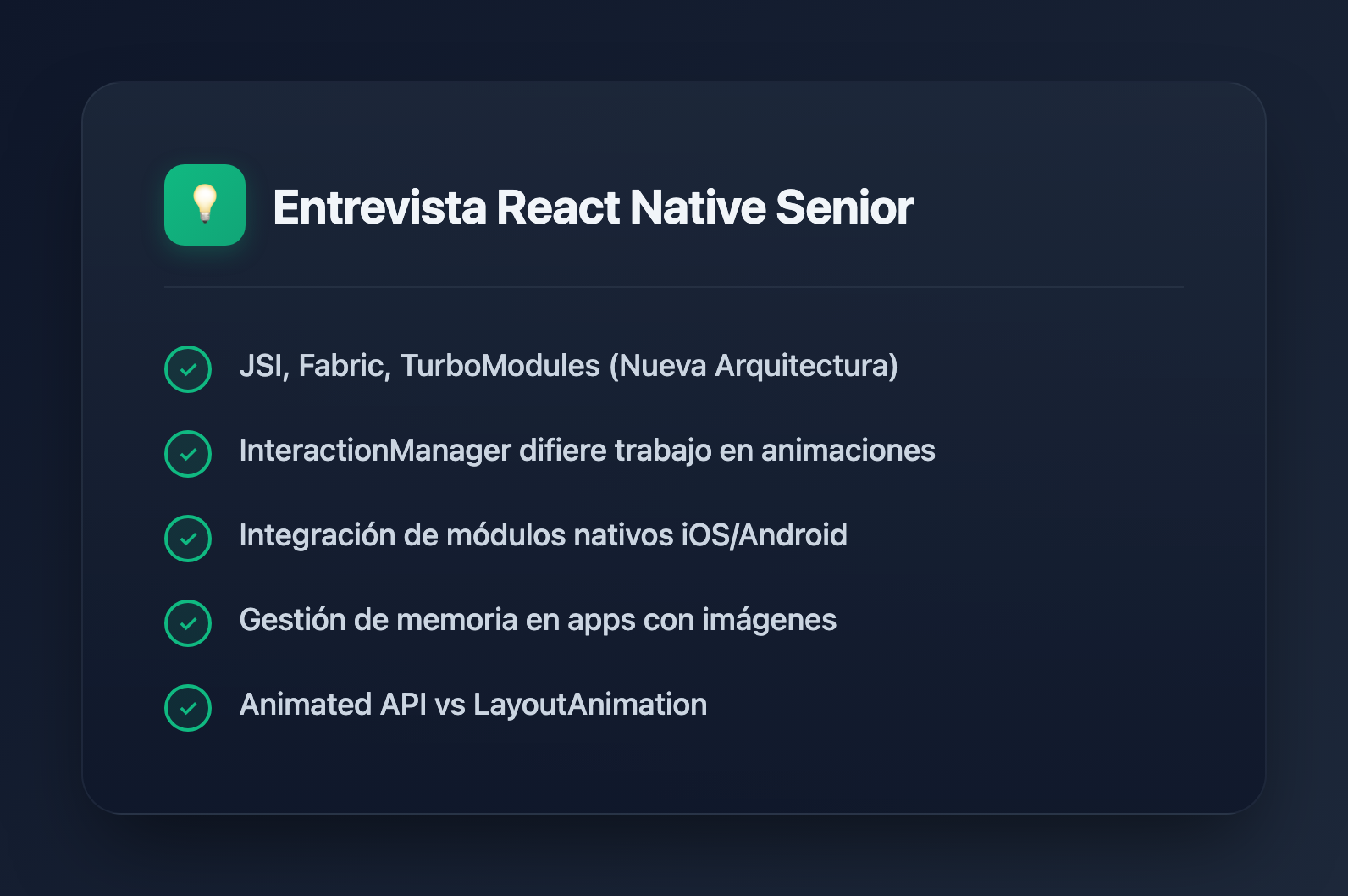
Senior React Native positions demand deep understanding beyond basic component building. Interviewers expect you to know the internals—how the bridge works, when to drop into native code, and how to optimize performance. These seven questions separate senior candidates from mid-level developers.
1. Explain the React Native New Architecture (JSI, Fabric, TurboModules)
Why they ask: The New Architecture is now enabled by default as of React Native 0.76. Senior developers must understand its impact on performance and how to leverage it.
Answer:
The New Architecture addresses the performance limitations of the original bridge-based design through three key innovations:
- JSI (JavaScript Interface): A lightweight C++ layer that replaces the asynchronous bridge. JSI allows JavaScript to hold references to C++ host objects and call methods directly without JSON serialization. This enables synchronous communication between JavaScript and native code.
- Fabric: The new UI rendering system that enables synchronous and thread-safe layout computation. It uses React's concurrent rendering capabilities to prioritize updates and ensure smooth UI transitions. Fabric introduces Shadow Nodes for computing layout using Yoga before updating native views.
- TurboModules: Native modules that are lazily initialized—they load only when first accessed, reducing startup time. They use JSI for direct native calls instead of batch-async bridge communication, and integrate with TypeScript/Flow via code generation for type safety.
Practical impact: Apps see 2-3x improvement in native module call performance, smoother animations during heavy JS computation, and faster cold starts. The elimination of JSON serialization overhead is especially noticeable when processing large data (like camera frames at 30+ MB/frame).
2. What is the InteractionManager and when should you use it?
Why they ask: This tests understanding of React Native's threading model and how to prevent dropped frames during animations.
Answer:
InteractionManager is a native module that defers function execution until after "interactions" (typically animations) complete. You use it via InteractionManager.runAfterInteractions(() => {...}).
React Native has multiple threads: the JavaScript thread that handles app logic, the UI thread for rendering and touch events, and the Shadow thread for layout calculations. During navigation animations or gesture responses, the UI thread is under heavy load. Triggering expensive operations during these interactions causes dropped frames.
When to use it:
- Loading data after a screen transition completes
- Deferring analytics tracking during animations
- Postponing heavy computations until the UI is idle
useEffect(() => {
  const handle = InteractionManager.runAfterInteractions(() => {
    // Runs after navigation animation finishes
    fetchData();
    initializeExpensiveLibrary();
  });
  return () => handle.cancel();
}, []);
3. How do you write and integrate a native module?
Why they ask: Senior developers often need to bridge functionality that doesn't exist in React Native or optimize performance-critical code paths.
Answer:
The process differs by platform but follows a similar pattern:
iOS (Swift/Objective-C):
- Create a native module class that extends
NSObjectand conforms toRCTBridgeModule - Implement
RCT_EXPORT_MODULE()to register the module - Expose methods with
RCT_EXPORT_METHODor useRCT_REMAP_METHODfor Promise-based returns
Android (Kotlin/Java):
- Create a module class extending
ReactContextBaseJavaModule - Override
getName()to return the module name - Annotate methods with
@ReactMethod - Register the module in a
ReactPackageand add togetPackages()
JavaScript side:
import { NativeModules } from 'react-native';
const { MyCustomModule } = NativeModules;

// Promise style (recommended)
const result = await MyCustomModule.doSomethingAsync(param);

// Callback style
MyCustomModule.doSomething(param, (result) => console.log(result));
Critical gotcha: In the classic architecture, all bridge communication is asynchronous. Native method calls return Promises or use callbacks—they never return values synchronously. With TurboModules and JSI, synchronous calls are possible but should be used sparingly to avoid blocking the JS thread.
4. An app with many image lists crashes randomly. How do you diagnose and fix it?
Why they ask: This tests real-world debugging skills and understanding of memory management in mobile environments.
Answer:
Random crashes in image-heavy apps are almost always Out-of-Memory (OOM) issues. Images aren't being recycled properly, and memory accumulates until the OS kills the app. This is especially common on Android.
Diagnosis:
- Profile heap memory in Xcode Instruments (iOS) or Android Studio Profiler
- Scroll through image lists while monitoring memory usage
- If memory climbs steadily without dipping, images aren't being garbage collected
Common fixes:
- Use FlatList, not ScrollView: FlatList virtualizes its children, only rendering items currently visible. ScrollView renders everything at once.
- Configure FlatList properly:
<FlatList
  data={images}
  renderItem={renderImage}
  removeClippedSubviews={true}
  windowSize={5}
  maxToRenderPerBatch={5}
  initialNumToRender={10}
  getItemLayout={getItemLayout} // Prevents measurement passes
/>- Use FlashList: Shopify's FlashList uses cell recycling for even better performance than FlatList
- Optimize images: Use appropriately sized images, consider
react-native-fast-imagefor caching - Android-specific: Use
resizeModeappropriately; considerandroid:largeHeap="true"as a last resort
5. Compare Animated API vs LayoutAnimation. When do you use each?
Why they ask: Animation performance is crucial for perceived app quality. This tests understanding of React Native's animation systems.
Answer:
Animated API:
- Declarative and explicit—you define exactly what animates, from what value to what value
- Supports
useNativeDriver: truefor animations that run entirely on the native thread (transform, opacity—not layout properties) - Good for: controlled animations, gestures, spring physics, sequences, parallel animations
Animated.spring(position, {
  toValue: { x: 100, y: 200 },
  useNativeDriver: true, // Runs on native thread
}).start();
LayoutAnimation:
- Interpolative—React Native detects layout changes between renders and automatically animates the differences
- Minimal code: call
LayoutAnimation.configureNext()before a state change - Good for: list reordering, adding/removing elements, accordion expansions
- Limitation: less control, can't easily cancel or chain animations
const removeItem = (id) => {
  LayoutAnimation.configureNext(LayoutAnimation.Presets.easeInEaseOut);
  setItems(items.filter(item => item.id !== id));
};
Reanimated for complex cases: For gesture-driven animations or complex choreography, use react-native-reanimated. It runs animations entirely on the UI thread and integrates with gesture handlers.
6. What are the tradeoffs of React Native vs fully native development?
Why they ask: Senior developers should understand when React Native is the right choice—and when it isn't.
Answer:
React Native advantages:
- Code sharing: 70-90% code reuse between iOS and Android; teams familiar with React can be productive quickly
- Developer velocity: Fast refresh, JavaScript debugging tools, single codebase, over-the-air updates via CodePush
- Hiring: JavaScript developers are more available than native iOS/Android specialists
- Web convergence: Can share logic with React web apps
Native advantages:
- Performance ceiling: Graphics-intensive apps (games, video editing) may need native optimization
- Platform-specific features: Early access to new OS features, deeper integration with platform APIs
- Bundle size: React Native adds ~7-12MB baseline overhead
- Native debugging: When things go wrong at the native layer, you need native expertise anyway
React Native is wrong for: 3D games, apps with extensive custom native UI, apps that need cutting-edge platform features before RN supports them.
React Native is right for: Content-driven apps, business apps, MVPs, teams with React/JavaScript expertise, products needing rapid cross-platform iteration.
7. Why does this native module call always fail?
class GyroController {
  constructor() {
    const position = NativeModules.GyroModule.getPosition();
    this.setPosition(position);
  }

  setPosition(pos) {
    if (!pos) throw new Error('Position required');
    this.pos = pos;
  }
}
Why they ask: This catches developers who don't fully understand the asynchronous nature of the bridge.
Answer:
This code fails because getPosition() returns a Promise, not the actual value. The bridge is asynchronous—you cannot synchronously return values from native modules in the classic architecture.
position will be an unresolved Promise object, which is truthy but not the actual gyroscope data. The validation might pass (since a Promise is not null/undefined), but the position data will be wrong.
Fixed version:
class GyroController {
  async initialize() {
    const position = await NativeModules.GyroModule.getPosition();
    this.setPosition(position);
  }

  setPosition(pos) {
    if (!pos) throw new Error('Position required');
    this.pos = pos;
  }
}

// Usage
const controller = new GyroController();
await controller.initialize();
Note: With JSI and TurboModules, synchronous calls are technically possible, but async patterns remain the default for backward compatibility and to avoid blocking the JS thread.
Preparation Tips
- Know the internals: Understand the bridge, threading model, and how native modules work—not just how to use components
- Have war stories: Be ready to discuss real performance problems you've solved
- Stay current: The New Architecture is now default; know JSI, Fabric, and TurboModules
- Practice native: You don't need to be an iOS/Android expert, but you should be able to read native code and write basic native modules
- Know the ecosystem: Familiarity with Expo, React Navigation, Reanimated, Flipper, and Hermes demonstrates production experience