OpenRouter, MCP, and LangChain: Complete Integration Guide with Interview Questions (2026)
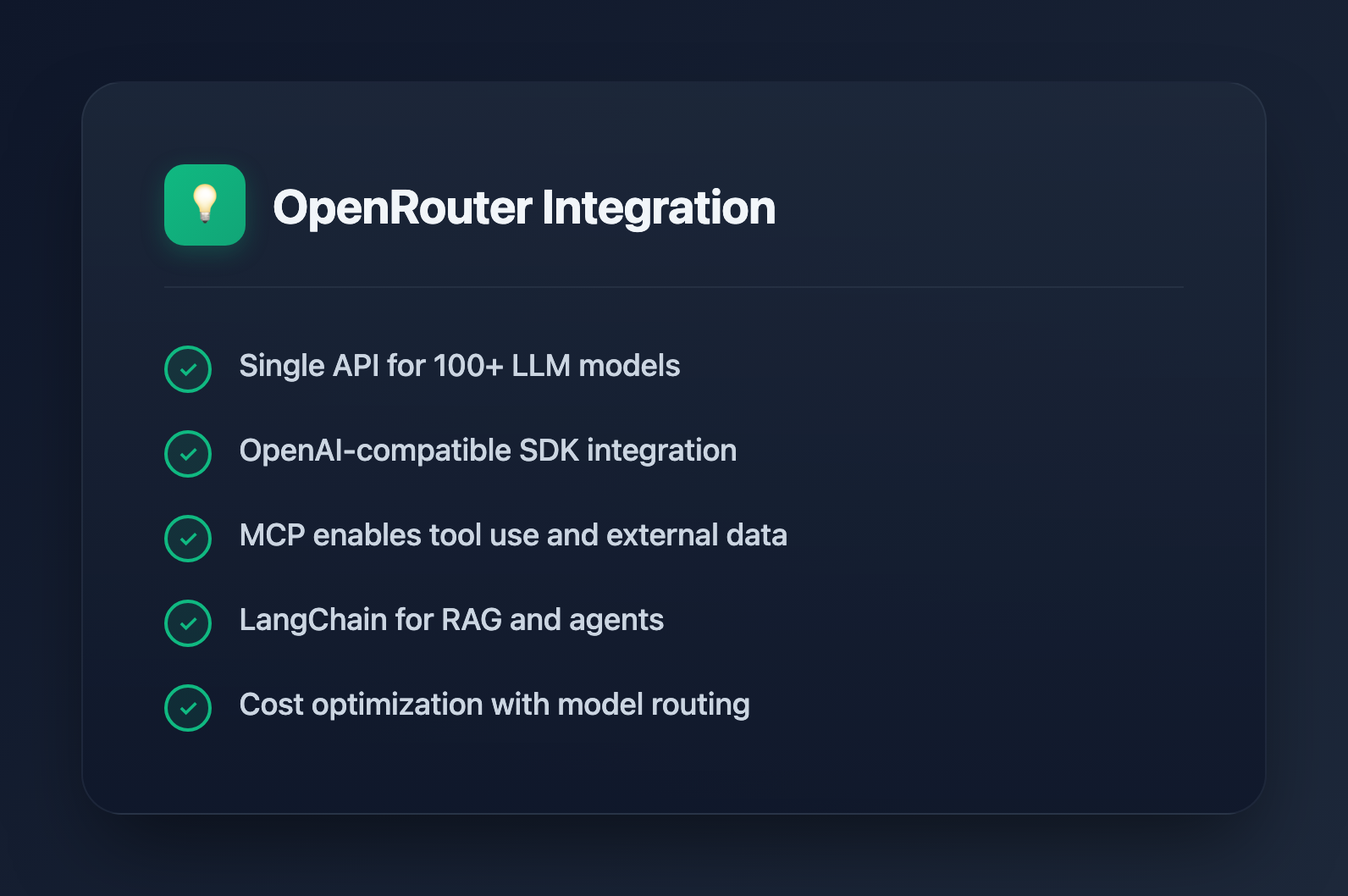
OpenRouter has become the go-to API gateway for accessing multiple LLM providers through a single interface. Whether you're building AI applications, integrating with development tools, or preparing for technical interviews, understanding OpenRouter is increasingly valuable. This guide covers everything from basic usage to advanced integrations with MCP and LangChain.
What is OpenRouter?
OpenRouter is a unified API that provides access to hundreds of AI models from providers like OpenAI, Anthropic, Google, Meta, Mistral, and open-source alternatives. Instead of managing separate API keys and SDKs for each provider, you use one endpoint and one API key.
Key benefits:
- Single API: One endpoint (
https://openrouter.ai/api/v1) for all models - OpenAI-compatible: Drop-in replacement for OpenAI SDK
- Model flexibility: Switch between GPT-4, Claude, Llama, Gemini without code changes
- Cost optimization: Compare pricing across providers, use cheaper models for simple tasks
- Fallback routing: Automatic failover when a provider is down
Getting Started with OpenRouter
Basic Setup
Sign up at openrouter.ai and get your API key. The API is OpenAI-compatible, so you can use existing OpenAI client libraries:
import OpenAI from 'openai';

const openrouter = new OpenAI({
  baseURL: 'https://openrouter.ai/api/v1',
  apiKey: process.env.OPENROUTER_API_KEY,
});

const response = await openrouter.chat.completions.create({
  model: 'anthropic/claude-3.5-sonnet',
  messages: [
    { role: 'user', content: 'Explain quantum computing in simple terms' }
  ],
});

console.log(response.choices[0].message.content);
Model Selection
Models are specified using the format provider/model-name. Popular choices include:
| Model | Best For | Cost (per 1M tokens) |
|---|---|---|
| anthropic/claude-3.5-sonnet | Complex reasoning, coding | $3 input / $15 output |
| openai/gpt-4-turbo | General purpose, vision | $10 input / $30 output |
| google/gemini-pro-1.5 | Long context (1M tokens) | $1.25 input / $5 output |
| meta-llama/llama-3.1-70b-instruct | Cost-effective general use | $0.50 input / $0.75 output |
| mistral/mistral-large | Multilingual, European hosting | $2 input / $6 output |
Streaming Responses
const stream = await openrouter.chat.completions.create({
  model: 'anthropic/claude-3.5-sonnet',
  messages: [{ role: 'user', content: 'Write a poem about coding' }],
  stream: true,
});

for await (const chunk of stream) {
  process.stdout.write(chunk.choices[0]?.delta?.content || '');
}
Integrating OpenRouter with MCP (Model Context Protocol)
MCP is Anthropic's open protocol for connecting AI assistants to external data sources and tools. OpenRouter can serve as the LLM backend for MCP-enabled applications.
MCP Architecture Overview
MCP uses a client-server architecture:
- MCP Host: The AI application (like Claude Desktop or a custom app)
- MCP Client: Connects to MCP servers and manages tool calls
- MCP Server: Exposes resources and tools (databases, APIs, file systems)
Building an MCP Client with OpenRouter
import { Client } from '@modelcontextprotocol/sdk/client/index.js';
import { StdioClientTransport } from '@modelcontextprotocol/sdk/client/stdio.js';
import OpenAI from 'openai';

// Initialize OpenRouter client
const openrouter = new OpenAI({
  baseURL: 'https://openrouter.ai/api/v1',
  apiKey: process.env.OPENROUTER_API_KEY,
});

// Connect to MCP server
const transport = new StdioClientTransport({
  command: 'npx',
  args: ['-y', '@modelcontextprotocol/server-filesystem', '/path/to/directory'],
});

const mcpClient = new Client({ name: 'my-app', version: '1.0.0' }, {});
await mcpClient.connect(transport);

// Get available tools from MCP server
const { tools } = await mcpClient.listTools();

// Convert MCP tools to OpenAI function format
const openaiTools = tools.map(tool => ({
  type: 'function',
  function: {
    name: tool.name,
    description: tool.description,
    parameters: tool.inputSchema,
  },
}));

// Chat with tool use
const response = await openrouter.chat.completions.create({
  model: 'anthropic/claude-3.5-sonnet',
  messages: [{ role: 'user', content: 'List files in the current directory' }],
  tools: openaiTools,
});

// Handle tool calls
if (response.choices[0].message.tool_calls) {
  for (const toolCall of response.choices[0].message.tool_calls) {
    const result = await mcpClient.callTool({
      name: toolCall.function.name,
      arguments: JSON.parse(toolCall.function.arguments),
    });
    console.log('Tool result:', result);
  }
}
Popular MCP Servers
- @modelcontextprotocol/server-filesystem: Read/write local files
- @modelcontextprotocol/server-postgres: Query PostgreSQL databases
- @modelcontextprotocol/server-github: GitHub repository access
- @modelcontextprotocol/server-slack: Slack workspace integration
Integrating OpenRouter with LangChain
LangChain is the most popular framework for building LLM applications. OpenRouter integrates seamlessly since it's OpenAI-compatible.
Basic LangChain Setup
import { ChatOpenAI } from '@langchain/openai';

const model = new ChatOpenAI({
  modelName: 'anthropic/claude-3.5-sonnet',
  openAIApiKey: process.env.OPENROUTER_API_KEY,
  configuration: {
    baseURL: 'https://openrouter.ai/api/v1',
  },
});

const response = await model.invoke('What is the capital of France?');
console.log(response.content);
Building a RAG Pipeline
import { ChatOpenAI } from '@langchain/openai';
import { MemoryVectorStore } from 'langchain/vectorstores/memory';
import { OpenAIEmbeddings } from '@langchain/openai';
import { createRetrievalChain } from 'langchain/chains/retrieval';
import { createStuffDocumentsChain } from 'langchain/chains/combine_documents';
import { ChatPromptTemplate } from '@langchain/core/prompts';

// Use OpenRouter for chat, but you need separate embeddings
// (OpenRouter doesn't support embeddings yet)
const model = new ChatOpenAI({
  modelName: 'anthropic/claude-3.5-sonnet',
  openAIApiKey: process.env.OPENROUTER_API_KEY,
  configuration: { baseURL: 'https://openrouter.ai/api/v1' },
});

const embeddings = new OpenAIEmbeddings({
  openAIApiKey: process.env.OPENAI_API_KEY, // Use OpenAI for embeddings
});

// Create vector store from documents
const vectorStore = await MemoryVectorStore.fromTexts(
  ['Document 1 content...', 'Document 2 content...'],
  [{}, {}],
  embeddings
);

// Create retrieval chain
const prompt = ChatPromptTemplate.fromTemplate(`
Answer based on the following context:
{context}

Question: {input}
`);

const documentChain = await createStuffDocumentsChain({ llm: model, prompt });
const retrievalChain = await createRetrievalChain({
  combineDocsChain: documentChain,
  retriever: vectorStore.asRetriever(),
});

const result = await retrievalChain.invoke({ input: 'What is in document 1?' });
console.log(result.answer);
LangChain Agents with OpenRouter
import { ChatOpenAI } from '@langchain/openai';
import { initializeAgentExecutorWithOptions } from 'langchain/agents';
import { Calculator } from 'langchain/tools/calculator';
import { WebBrowser } from 'langchain/tools/webbrowser';

const model = new ChatOpenAI({
  modelName: 'openai/gpt-4-turbo',
  openAIApiKey: process.env.OPENROUTER_API_KEY,
  configuration: { baseURL: 'https://openrouter.ai/api/v1' },
});

const tools = [new Calculator()];

const executor = await initializeAgentExecutorWithOptions(tools, model, {
  agentType: 'openai-functions',
  verbose: true,
});

const result = await executor.invoke({
  input: 'What is 15% of 847?',
});

console.log(result.output);
Interview Questions: OpenRouter and LLM APIs
1. What is OpenRouter and why would you use it?
Answer: OpenRouter is a unified API gateway that provides access to multiple LLM providers (OpenAI, Anthropic, Google, Meta, etc.) through a single endpoint. You'd use it for model flexibility, cost optimization, automatic failover, and simplified API management instead of maintaining separate integrations for each provider.
2. How do you handle rate limits and errors with OpenRouter?
Answer: Implement exponential backoff for rate limits (429 errors). OpenRouter returns standard HTTP status codes. For production, use the x-ratelimit-* headers to track remaining requests. Enable fallback routing by specifying multiple models—OpenRouter automatically tries alternatives if the primary fails.
// Fallback example
const response = await openrouter.chat.completions.create({
  model: 'anthropic/claude-3.5-sonnet',
  route: 'fallback',
  models: [
    'anthropic/claude-3.5-sonnet',
    'openai/gpt-4-turbo',
    'google/gemini-pro-1.5'
  ],
  messages: [...],
});
3. Explain the difference between MCP and function calling
Answer: Function calling is a single-request mechanism where the LLM outputs structured JSON to invoke predefined functions. MCP is a persistent protocol that maintains connections to external servers, supports bidirectional communication, resource subscriptions, and complex multi-step tool interactions. MCP servers can push updates, while function calling is purely request-response.
4. How would you implement caching for LLM responses?
Answer: Hash the request (model + messages + parameters) to create a cache key. Store responses in Redis or similar. Consider semantic caching for similar queries using embeddings. OpenRouter supports prompt caching for Claude models—repeated prefixes are cached and billed at reduced rates.
import { createHash } from 'crypto';

function getCacheKey(request) {
  return createHash('sha256')
    .update(JSON.stringify({
      model: request.model,
      messages: request.messages,
      temperature: request.temperature,
    }))
    .digest('hex');
}
5. What are the tradeoffs between different LLM providers?
Answer:
- Claude: Best for complex reasoning, coding, and long documents. Higher cost but excellent quality.
- GPT-4: Strong general performance, best vision capabilities, wide tool ecosystem.
- Gemini: Longest context window (1M+ tokens), cost-effective for large documents.
- Llama/Open-source: Lowest cost, can self-host for privacy, but generally lower quality than frontier models.
6. How do you handle sensitive data with LLM APIs?
Answer: Avoid sending PII when possible. Use data masking/tokenization before sending to APIs. Check provider data retention policies. For strict requirements, self-host open-source models. OpenRouter doesn't store prompts by default, but verify compliance requirements with specific providers.
Best Practices
Cost Optimization
- Use cheaper models (Llama, Mistral) for simple tasks like classification
- Reserve expensive models (Claude, GPT-4) for complex reasoning
- Implement response caching for repeated queries
- Use streaming to provide faster perceived responses
Production Reliability
- Always implement retry logic with exponential backoff
- Set up fallback models for critical paths
- Monitor latency and error rates per model
- Use timeouts to prevent hanging requests
Security
- Never expose API keys in client-side code
- Implement request validation before sending to LLMs
- Set spending limits in OpenRouter dashboard
- Log requests for audit trails (excluding sensitive content)
Conclusion
OpenRouter simplifies multi-model LLM development by providing a unified API. Combined with MCP for tool integration and LangChain for application frameworks, you can build sophisticated AI applications without vendor lock-in. Understanding these integrations is increasingly important for technical interviews as AI becomes central to modern software development.