Top 10 Next.js Interview Questions You Must Know in 2026
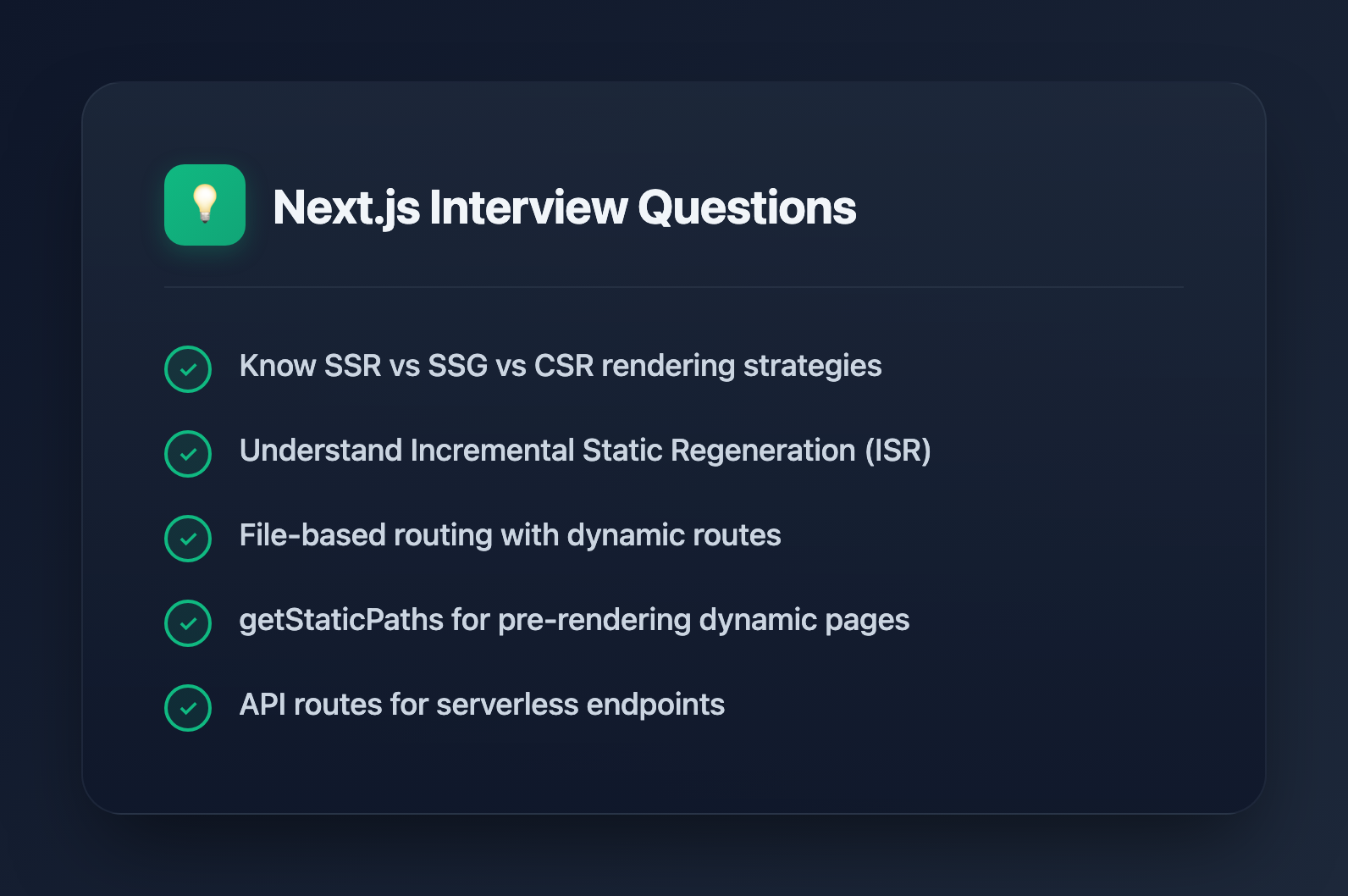
Next.js has become the go-to React framework for production applications. Whether you're preparing for a frontend role or a full-stack position, these questions cover the concepts interviewers consistently ask about.
1. What is Next.js and why would you use it over plain React?
Next.js is a React framework that provides structure and built-in features for building production-ready applications. While React is a UI library that requires manual setup for routing, rendering strategies, and optimization, Next.js handles these concerns out of the box.
Key advantages over plain React:
- File-based routing without additional libraries
- Server-side rendering (SSR) and static site generation (SSG) built in
- Automatic code splitting per page
- API routes for backend functionality
- Built-in image and font optimization
Use Next.js when you need SEO, fast initial page loads, or want to reduce configuration overhead.
2. Explain the difference between SSR, SSG, and CSR
These are the three primary rendering strategies in Next.js:
Server-Side Rendering (SSR): HTML is generated on the server for each request. The page is always fresh but slower since the server does work on every visit. Use getServerSideProps for this approach.
Static Site Generation (SSG): HTML is generated once at build time and reused for every request. This is the fastest option but content is static until the next build. Use getStaticProps for this approach.
Client-Side Rendering (CSR): The browser receives a minimal HTML shell and JavaScript renders the content. This results in slower initial loads but works well for authenticated dashboards where SEO doesn't matter.
// SSR - runs on every request
export async function getServerSideProps() {
  const data = await fetchLiveData()
  return { props: { data } }
}

// SSG - runs once at build time
export async function getStaticProps() {
  const data = await fetchStaticData()
  return { props: { data } }
}
3. What is Incremental Static Regeneration (ISR)?
ISR combines the performance benefits of static generation with the freshness of server-side rendering. Pages are pre-built at deploy time, but Next.js regenerates them in the background after a specified interval.
export async function getStaticProps() {
  const products = await fetchProducts()
  return {
    props: { products },
    revalidate: 60 // Regenerate page every 60 seconds
  }
}
When a user visits a page past its revalidation window, they receive the cached version immediately while Next.js rebuilds the page in the background. The next visitor gets the updated version.
ISR is ideal for e-commerce product pages, blog posts, or any content that changes periodically but doesn't need real-time accuracy.
4. How does file-based routing work in Next.js?
Next.js automatically creates routes based on the file structure in your pages (Pages Router) or app (App Router) directory.
pages/
  index.js          → /
  about.js          → /about
  blog/
    index.js        → /blog
    [slug].js       → /blog/:slug (dynamic)
  api/
    users.js        → /api/users
Dynamic routes use square brackets. The filename [slug].js matches any value and makes it available via the router:
import { useRouter } from 'next/router'

export default function BlogPost() {
  const router = useRouter()
  const { slug } = router.query
  // slug contains the dynamic segment
}
For static generation of dynamic routes, you must also implement getStaticPaths to tell Next.js which paths to pre-render.
5. What is the purpose of getStaticPaths?
getStaticPaths tells Next.js which dynamic routes to pre-render at build time. Without it, Next.js doesn't know what values the dynamic segment can have.
// pages/posts/[id].js
export async function getStaticPaths() {
  const posts = await getAllPosts()

  return {
    paths: posts.map(post => ({
      params: { id: post.id.toString() }
    })),
    fallback: 'blocking' // or false, or true
  }
}

export async function getStaticProps({ params }) {
  const post = await getPost(params.id)
  return { props: { post } }
}
Fallback options:
false- Unknown paths return 404true- Unknown paths render a loading state while generating'blocking'- Unknown paths wait for generation before responding (recommended)
6. How do API routes work?
Files inside pages/api/ become serverless API endpoints. Each file exports a handler function that receives request and response objects similar to Express.
// pages/api/users.js
export default async function handler(req, res) {
  if (req.method === 'GET') {
    const users = await db.users.findMany()
    res.status(200).json(users)
  } else if (req.method === 'POST') {
    const user = await db.users.create(req.body)
    res.status(201).json(user)
  } else {
    res.setHeader('Allow', ['GET', 'POST'])
    res.status(405).end()
  }
}
API routes run server-side only and are deployed as serverless functions on platforms like Vercel. They're useful for form handling, database operations, and integrating with third-party APIs without exposing credentials.
7. Explain the Next.js Image component
The next/image component replaces the standard <img> tag with automatic optimization:
import Image from 'next/image'

export default function Avatar() {
  return (
    <Image
      src="/profile.jpg"
      alt="Profile photo"
      width={200}
      height={200}
      priority // Load immediately for above-fold images
    />
  )
}
Automatic optimizations include:
- Responsive sizing based on device
- Modern format conversion (WebP, AVIF)
- Lazy loading by default
- Blur placeholder support
- Prevention of Cumulative Layout Shift
Always specify width and height to prevent layout shift, or use fill for responsive containers.
8. What is middleware in Next.js?
Middleware runs before a request completes, allowing you to modify responses, redirect users, or add headers. It executes at the edge, making it fast for authentication checks and A/B testing.
// middleware.js (root of project)
import { NextResponse } from 'next/server'

export function middleware(request) {
  const token = request.cookies.get('auth-token')

  if (!token && request.nextUrl.pathname.startsWith('/dashboard')) {
    return NextResponse.redirect(new URL('/login', request.url))
  }

  return NextResponse.next()
}

export const config = {
  matcher: ['/dashboard/:path*']
}
Common use cases include authentication, geolocation-based redirects, bot detection, and request logging.
9. How do you handle environment variables?
Next.js supports environment variables through .env files with an important distinction between server-side and client-side access.
# .env.local
DATABASE_URL=postgresql://...
NEXT_PUBLIC_API_URL=https://api.example.com
Server-side only: Variables without a prefix are only available in getServerSideProps, getStaticProps, and API routes. This protects sensitive data like database credentials.
Client-side accessible: Variables prefixed with NEXT_PUBLIC_ are bundled into the JavaScript and available in the browser. Only use this for non-sensitive configuration.
// Server-side only
export async function getServerSideProps() {
  // process.env.DATABASE_URL is available here
}

// Client-side accessible
const apiUrl = process.env.NEXT_PUBLIC_API_URL
10. What are the differences between Pages Router and App Router?
Next.js 13 introduced the App Router as a new paradigm alongside the traditional Pages Router.
Pages Router (pages/ directory):
- File-based routing with
getStaticProps,getServerSideProps - Uses
_app.jsfor global layouts - Client components by default
- Stable and widely documented
App Router (app/ directory):
- React Server Components by default
- Nested layouts with
layout.jsfiles - Simplified data fetching with async components
- Built-in loading and error states
- Streaming and Suspense support
// App Router - data fetching is simpler
async function BlogPage() {
  const posts = await fetchPosts() // Direct async in component
  return <PostList posts={posts} />
}
For new projects, the App Router is recommended. For existing projects, migration can be done incrementally since both routers work simultaneously.
Bonus: Common Follow-up Questions
Interviewers often dig deeper with questions like:
- How would you implement authentication in Next.js? (NextAuth.js, middleware)
- How do you optimize Core Web Vitals? (Image component, font optimization, code splitting)
- What's the difference between
next/linkand a regular<a>tag? (Client-side navigation vs full reload) - How do you handle global state? (Context API, Zustand, Redux with provider in layout)
Practice explaining these concepts out loud. Interviewers value clear communication as much as technical accuracy.